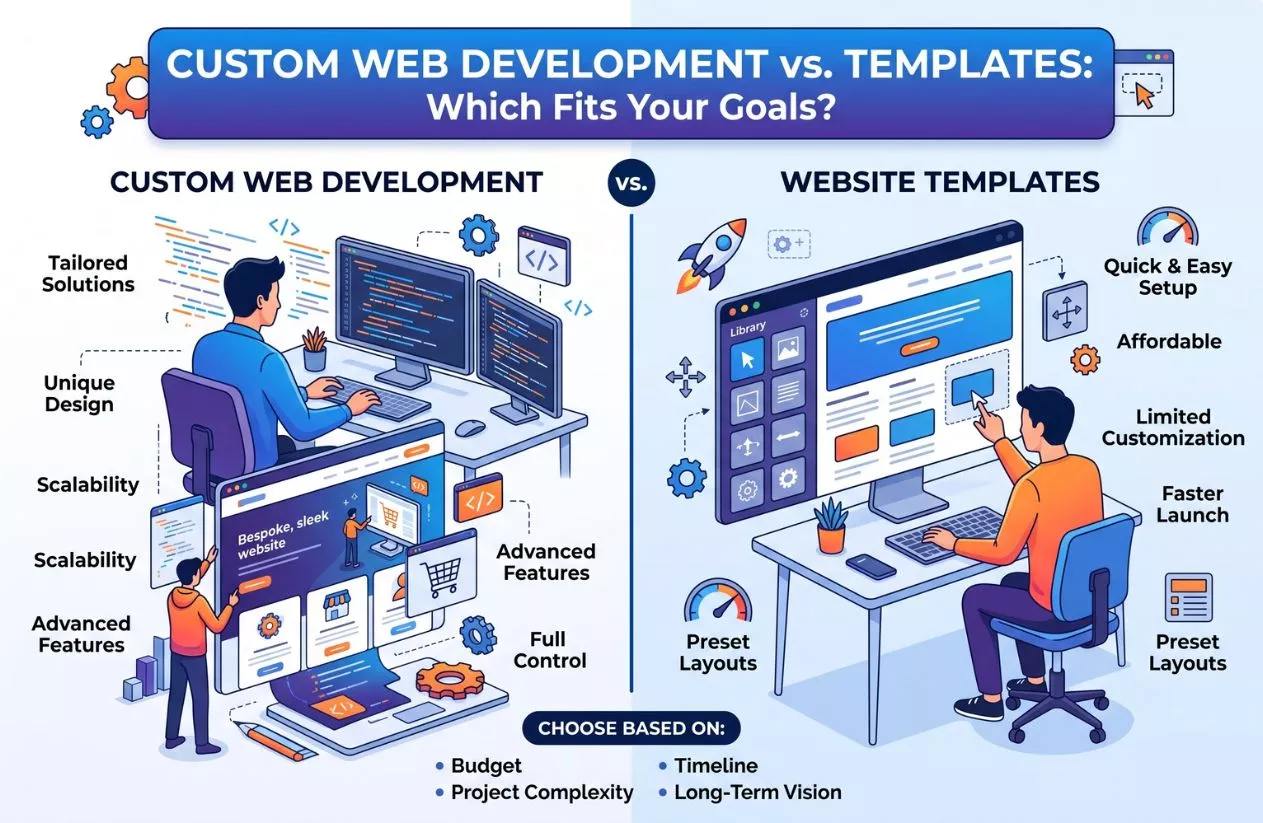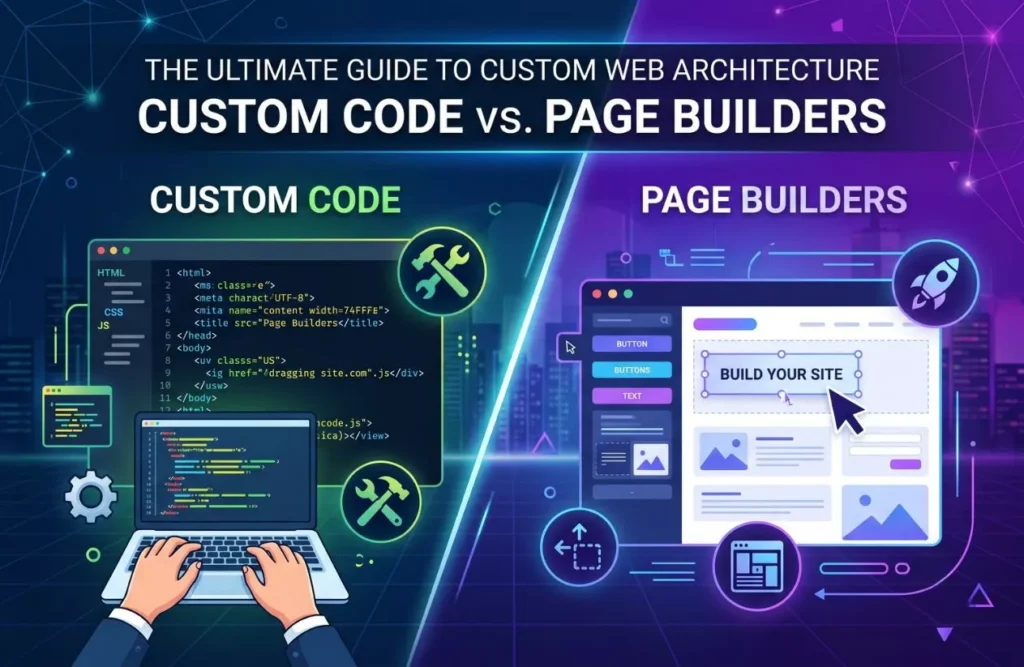
Every growing business eventually reaches a critical fork in the road with its digital presence: build for speed-to-launch today, or engineer for long-term scalability and performance.
When launching a new site or refreshing an outdated one, off-the-shelf templates and visual page builders often seem like the default path. They promise rapid setup, low initial costs, and complete visual freedom without needing a single developer.
But as marketing campaigns scale, organic traffic demands increase, and user experience expectations rise, the underlying codebase of your site either powers your business growth or acts as a persistent bottleneck.
Deciding between custom web development vs templates comes down to understanding this core trade-off before code bloat, fragile plugin dependencies, and sluggish load times impact your revenue.
Understanding the Trade-Off Between Custom Code and Web Templates
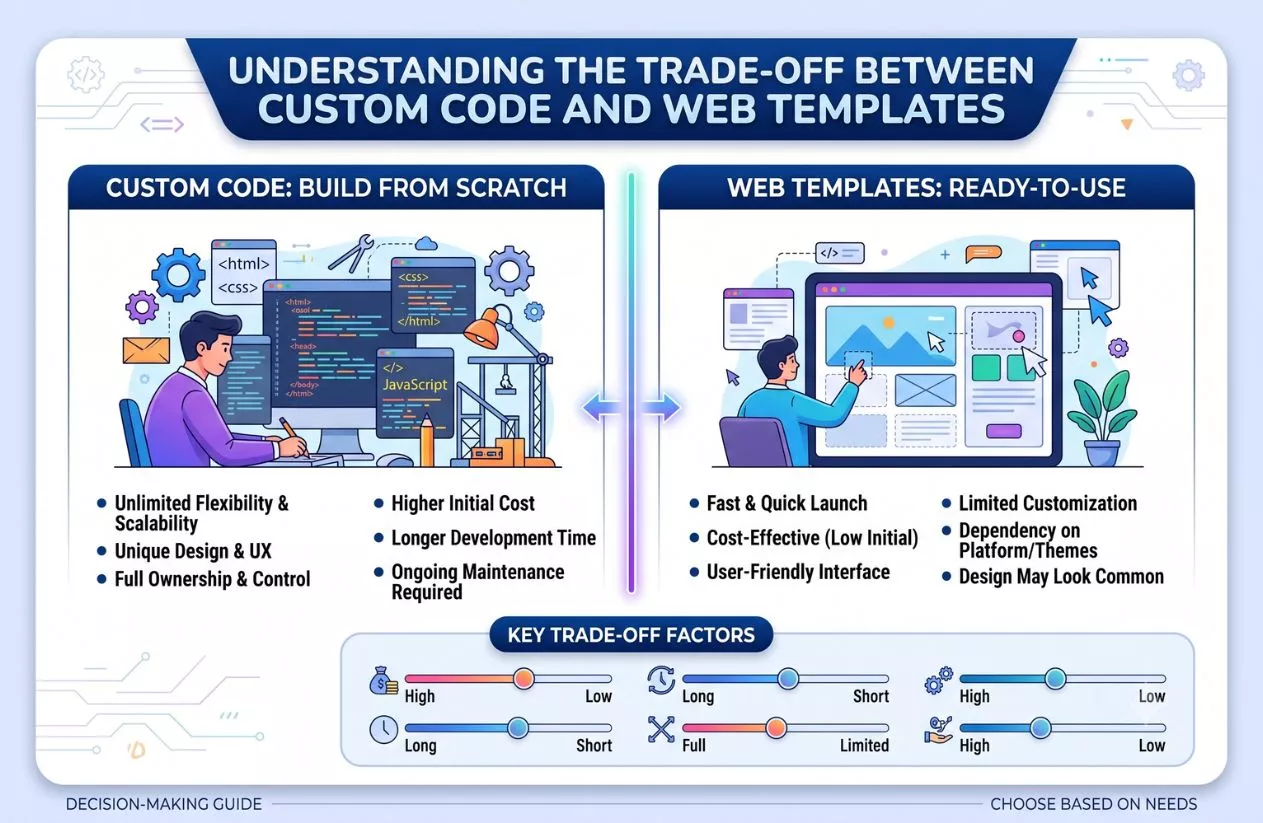
Web architectures are engineered to solve entirely different business objectives. Off-the-shelf templates and commercial page builders—such as Elementor, Divi, or pre-packaged WordPress themes—are designed to solve an immediate launch problem. Custom web architecture is engineered to solve a long-term business scaling problem.
The Immediate Appeal of Templates on Day One
It is easy to understand why template-driven platforms dominate early-stage web projects:
- Minimal Capital Outlay: Purchasing a $60 pre-made theme or subscribing to a cheap page builder requires significantly less upfront capital than hiring an engineering team.
- Visual Editing for Non-Developers: Drag-and-drop interfaces allow internal marketing teams to swap images, shift layouts, and create new pages on the fly without touching HTML or CSS.
- Rapid Market Entry: Pre-styled page layouts let companies get a functioning digital brochure online in days rather than weeks.
When a company simply needs an online placeholder to verify its existence, a template performs that basic role. The friction starts when that business attempts to turn its website into a high-converting lead engine that ranks competitively on search engines.
The Hidden Costs: Code Bloat, Rendering Delays, and Rigid Frameworks
The surface convenience of off-the-shelf templates comes with structural trade-offs hidden beneath the surface. Because generic themes are designed to appeal to tens of thousands of different businesses across dozens of industries, their codebases are packed with every conceivable feature, slider, layout option, and animation library.
Even if your site uses only a fraction of those features, every visitor’s browser is forced to download, parse, and execute the entire underlying codebase on every page load.
This structural overhead creates three major operational challenges over time:
- DOM Bloat and Slow Mobile Rendering: Page builders nest elements inside dozens of redundant <div> containers. This bloated Document Object Model (DOM) forces mobile processors to work twice as hard, delaying rendering times and degrading core user experience metrics.
- Fragile Plugin Dependencies: Customizing a rigid template usually requires stacking dozens of third-party plugins. Each added plugin introduces potential security vulnerabilities, database overhead, and update conflicts that can break site functionality without warning.
- Proprietary Vendor Lock-In: Most page builders convert your content into proprietary shortcodes or nested data structures. If you ever decide to switch platforms or themes in the future, your content becomes an unreadable mess of broken code, forcing a full from-scratch rebuild.
Knowing When to Transition to Custom Architecture
Generic templates serve a practical purpose during the initial validation phase of a business. However, when slow page speeds start driving away paid ad traffic, or design constraints prevent you from executing custom marketing workflows, off-the-shelf solutions turn into a growth ceiling.
When your business outgrows the structural limits of generic themes, stepping up to dedicated, high-performance custom web development gives you clean, modular code, near-instant load times, and an engineered platform built specifically around your conversion goals.
Unpacking Website Technical Debt: What Cheap Templates Really Cost
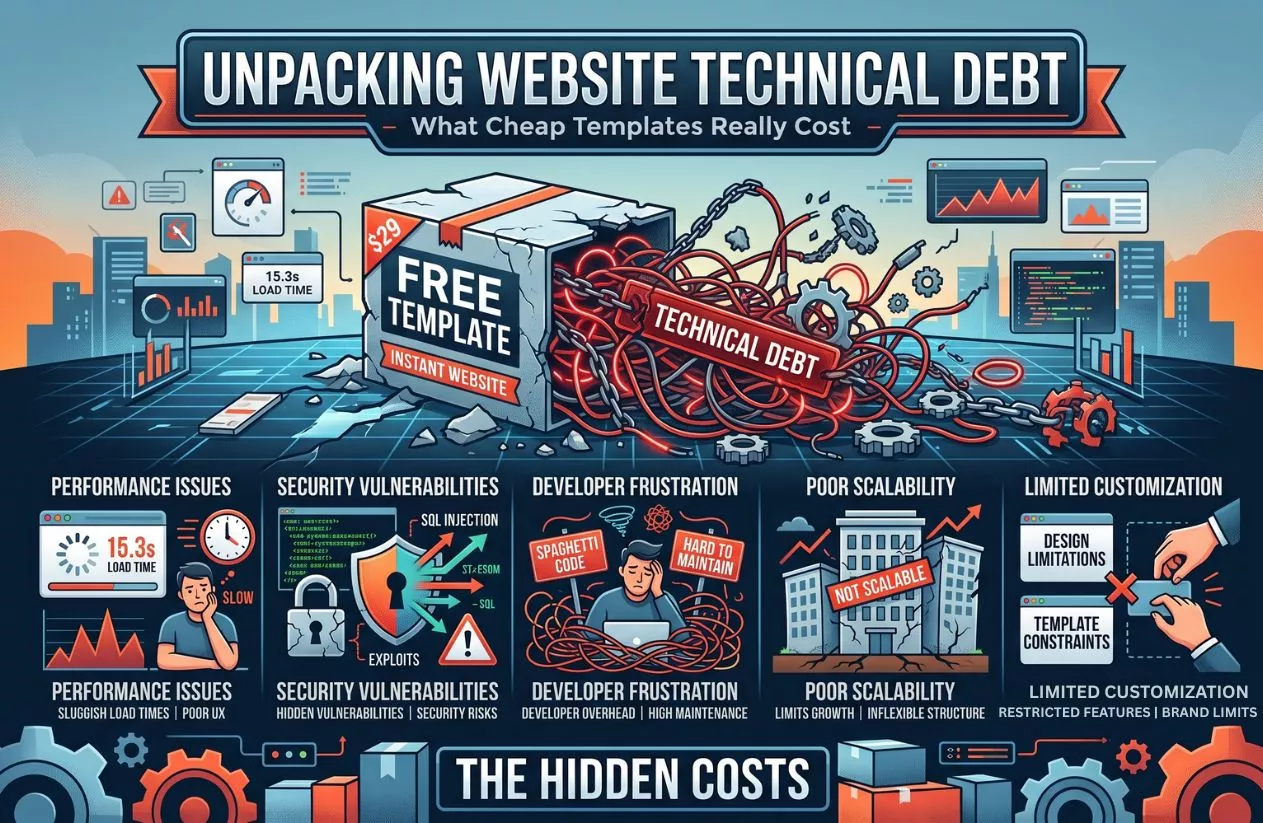
When evaluating website builds, the upfront quote rarely tells the whole story. A $1,500 template site appears dramatically cheaper than a $15,000 custom build on paper. However, choosing a short-term workaround over a solid engineering framework introduces a hidden financial liability known as technical debt.
Defining Technical Debt in Web Development
In software engineering, technical debt represents the cumulative cost of future rework caused by choosing an easy, fast solution today over a better, more scalable approach.
Just like financial debt, technical debt accrues interest. When you launch a website built on a rigid off-the-shelf template, you borrow against your site’s future performance to save money upfront.
The “interest” is paid continuously through slow load times, lost conversion opportunities, frequent emergency developer fixes, and constant software patching.
Eventually, the debt compounds to a point where simple updates become impossibly complex, forcing a total site rebuild far earlier than expected.
The Patchwork Problem: 20+ Plugins vs. Clean Code
Pre-packaged page builders rarely include specialized business functionality out of the box. To add basic features like custom forms, advanced search filtering, speed optimization, or custom SEO fields, site managers must rely on third-party plugins.
This creates the “patchwork problem”—a fragile stack of 20 to 40 separate plugins built by different developers with varying code standards:
- Escalating Security Vulnerabilities: Every plugin acts as a potential back door into your database. Outdated or poorly maintained plugins account for the vast majority of WordPress site hacks.
- Update Cascades and Site Crashes: A major update to your base theme or core CMS frequently causes incompatibility issues with third-party plugins, breaking visual layouts or shutting down your checkout process.
- Performance Degradation: Each plugin adds its own CSS stylesheets, JavaScript files, and external database calls, rapidly degrading server performance and page response times.
Total Cost of Ownership (TCO) Comparison Matrix
Comparing short-term build costs against long-term operational expenses reveals the true financial breakdown over a 5-year period:
| Metric | Off-the-Shelf Template Build | Custom Architecture Build |
| Initial Investment | Low ($1,000 – $3,500) | Moderate to High ($10,000 – $25,000+) |
| Ongoing Maintenance | High (Frequent plugin updates, debugging, repair hours) | Low (Clean codebase, minimal dependencies) |
| Security Risk Profile | High (Vulnerable to third-party plugin exploits) | Minimal (Custom, isolated, lean code stack) |
| Speed & Performance Index | Moderate to Poor (DOM bloat, unused assets) | Exceptional (Optimized assets, minimal DOM size) |
| Feature Flexibility | Rigid (Constrained by theme/builder limits) | Unlimited (Engineered precisely to your spec) |
| Average Lifespan | 1.5 – 2 Years (Requires rebuilds due to bloat/debt) | 5 – 7+ Years (Scales effortlessly with business growth) |
Why Custom Builds Outlast Templates by 3 to 5 Years
A custom-coded site lowers your Total Cost of Ownership (TCO) because it eliminates structural bloat from day one.
Instead of stacking dozens of external plugins and workaround scripts, custom architecture utilizes clean, modular code designed specifically around your business requirements. Because the core codebase is streamlined and free of excess dependencies, updates are straightforward and rarely cause system instability.
While a template site typically breaks down under its own technical weight within 18 to 24 months, custom architecture routinely operates smoothly for 5 to 7 years.
Over that lifespan, the absence of emergency repairs, lower maintenance retainers, and consistently higher conversion rates make custom development the significantly more cost-effective choice.
Custom WordPress Architecture: Performance Without Losing Editing Freedom
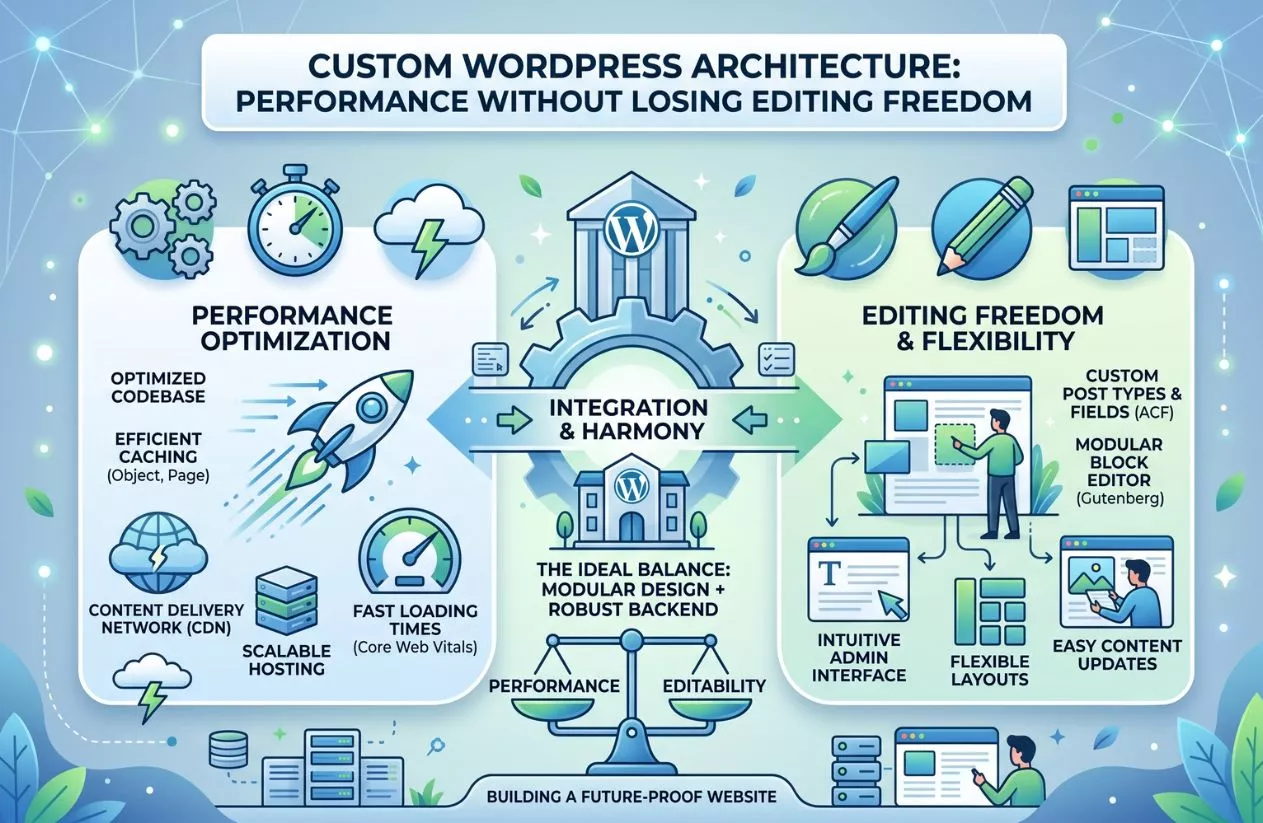
A common misconception among business owners is that choosing custom code means giving up control over their own website. The myth goes: “If we don’t use a visual page builder like Elementor or Divi, our marketing team won’t be able to create new pages, edit copy, or swap images without hiring a developer every single time.”
In modern web engineering, this trade-off no longer exists.
Custom architecture does not lock you out of editing your content; it frees you from the structural mess that traditional page builders create.
By leveraging WordPress’s native block editor (Gutenberg) or modern decoupled systems, developers can deliver complete visual editing flexibility to marketing teams while keeping the underlying codebase locked, secure, and bloat-free.
The Native Block Approach: Tailored Gutenberg Engineering
Instead of installing heavy third-party page builder plugins that inject thousands of lines of unused CSS and JavaScript, modern custom WordPress development builds on the native Gutenberg block system.
+————————————————————————-+
| TRADITIONAL PAGE BUILDER |
| Open canvas with unrestricted styling -> Broken layouts & heavy bloat |
+————————————————————————-+
| [Unrestricted Font Sizes] [Custom Margins per Block] [Deep Nested Divs] |
+————————————————————————-+
+————————————————————————-+
| CUSTOM NATIVE BLOCK SYSTEM (GUTENBERG) |
| Pre-engineered design system blocks -> Total content control + Clean code|
+————————————————————————-+
| [Brand Color Palette] [Approved Typography] [Lean Semantic Markup] |
+————————————————————————-+
With custom native block development, engineers create bespoke content components—such as hero sections, testomial sliders, pricing tables, or case study layouts—tailored strictly to your brand’s design system:
- Strict Design Governance: Marketing teams can rearrange blocks, write new content, and publish landing pages instantly, but they cannot accidentally break mobile responsiveness, alter global font hierarchies, or destroy brand guidelines.
- Asset On-Demand Loading: Unlike page builders that load the entire platform’s stylesheet on every page, custom block architecture loads only the specific scripts and styles required for the blocks rendered on that specific page.
- Zero Plugin Overhead: Custom blocks rely on WordPress core functionality, eliminating the need for dozens of external display plugins and drastically reducing your site’s security attack surface.
Headless and Hybrid Options: Enterprise Speed and Security
For enterprise platforms, high-traffic e-commerce portals, or businesses requiring strict security compliance, modern architecture can separate the front-end user experience from the back-end content management system—an approach known as headless or decoupled WordPress.
In a headless setup, WordPress acts purely as a content database (CMS) where your editorial team writes articles and updates pages.
The public-facing website is built using modern front-end frameworks (like Next.js or React) and served directly from global edge networks (CDNs).
| Architectural Model | How It Works | Key Business Benefit |
| Traditional Monolith | WordPress handles both database management and front-end page rendering. | Simple, familiar setup, but requires careful caching to maintain peak speed. |
| Hybrid WordPress | Core pages run on WordPress, while complex sections (e.g., dynamic calculators or portals) use API-driven components. | Excellent balance of publishing speed for marketers and custom technical power for developers. |
| Headless WordPress | WordPress backend is completely separated from the front-end JavaScript display. | Near-instant global load times, zero public database exposure, and unmatched security. |
Empowering Marketing Teams Without Compromising Code Quality
The goal of custom web architecture is not to restrict content editors, but to give them a reliable, high-speed publishing environment.
By building custom native blocks or a hybrid infrastructure, marketing teams gain total visual freedom to build high-converting landing pages on demand. Simultaneously, technical leads rest easy knowing that every published page adheres strictly to Core Web Vitals standards, security protocols, and visual brand guidelines.
Custom Web Development vs. Templates: Which Fits Your Goals?